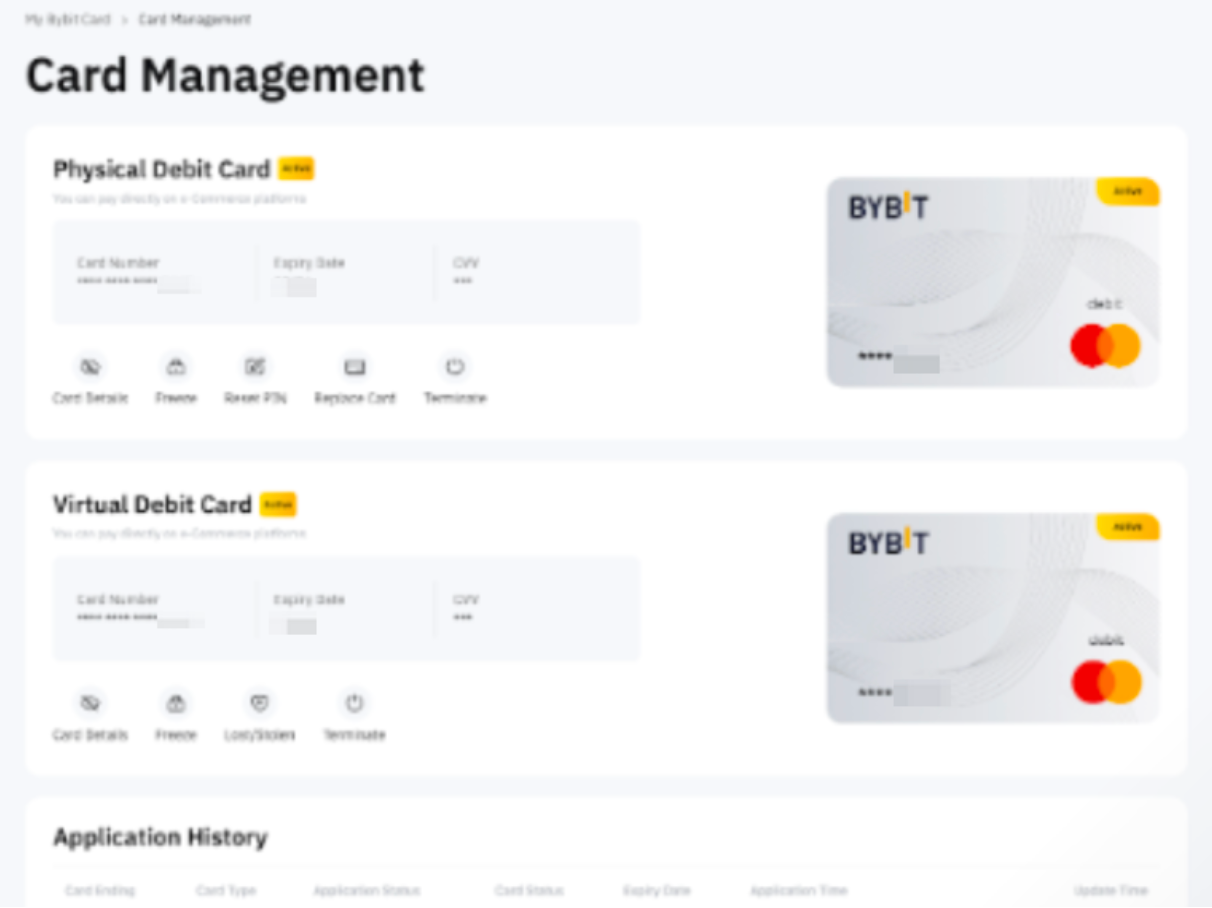
For Virtual Bybit Card
Once your virtual card application is approved, there’s no need for activation. Your card is ready to use immediately for online purchases.
For Physical Bybit Card
Once you receive your physical card, please activate your card before starting to use it.
Step 1: Go to Finance → Card and click on Manage My Card to enter the Card Management page.

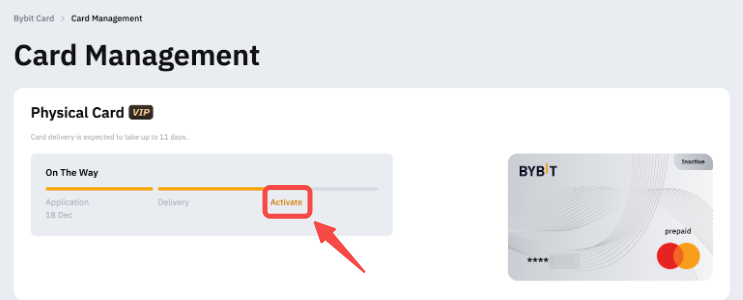
Step 2: Click on Activate to begin the activation process.
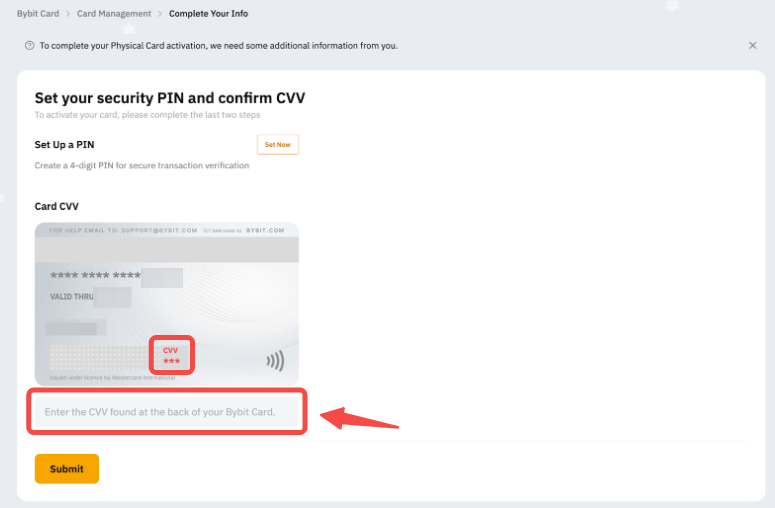
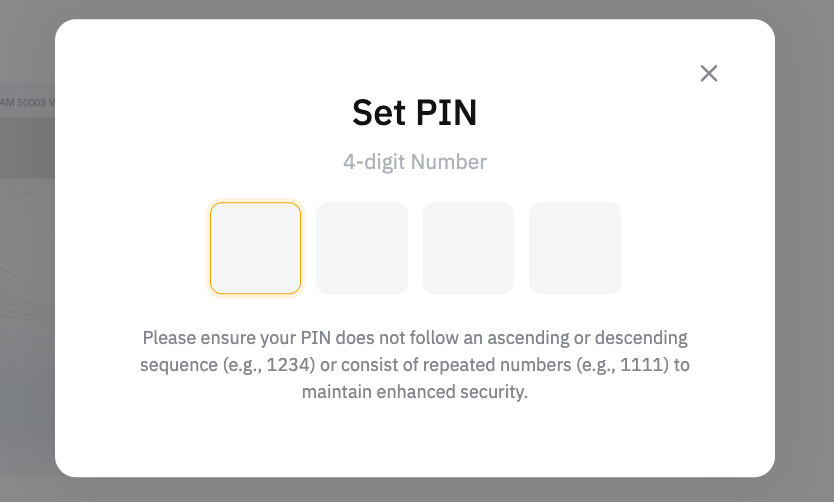
Step 3: Set and verify your PIN. The PIN will be used for ATM transactions and to make large purchases at retail merchants. You can still reset the PIN after activating the card. However, please keep your PIN securely and privately.
Step 4: Enter the 3-digit CVV on the back of your physical Bybit Card and click on Activate.
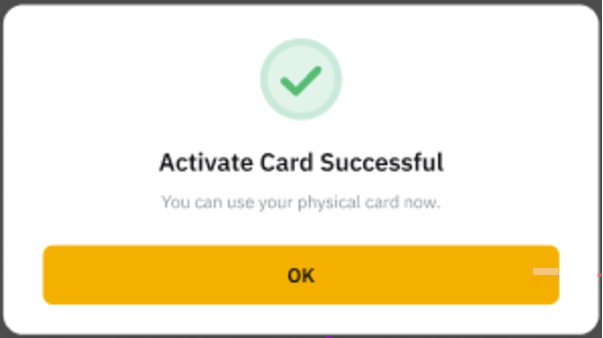
After you have verified with your CVV, you can now use your physical Bybit Card! You can manage both your virtual and physical Bybit Card on the Card Management page.