How to Add the Bybit Georgia Widget
Using IOS
With the Bybit Georgia iOS widget, you can monitor your favorite spot trading pairs right from your iOS device’s home and lock screens. It lets you view the current market price, along with a coin’s performance, trend line, and 24-hour percentage change.
With iOS 16, you can add widgets to your Lock Screen to get information at a glance You can add the Bybit Georgia widget to your Lock Screen or Home Screen.
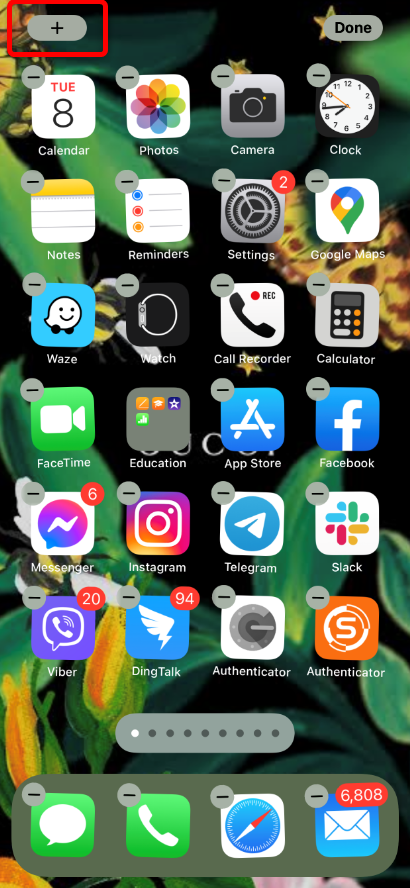
Step 1: Tap and hold down on any blank area on your iPhone home screen until all the apps start wiggling, i.e. jiggle mode. Alternatively, you can tap and hold on any app icon and then choose the Edit Home Screen option to customize the iPhone home screen.
Step 2: Tap on the + button at the top left corner.
Step 3: You will see all the available apps that currently offer widgets. You'll have to launch an app at least once before the widgets show up in this list.
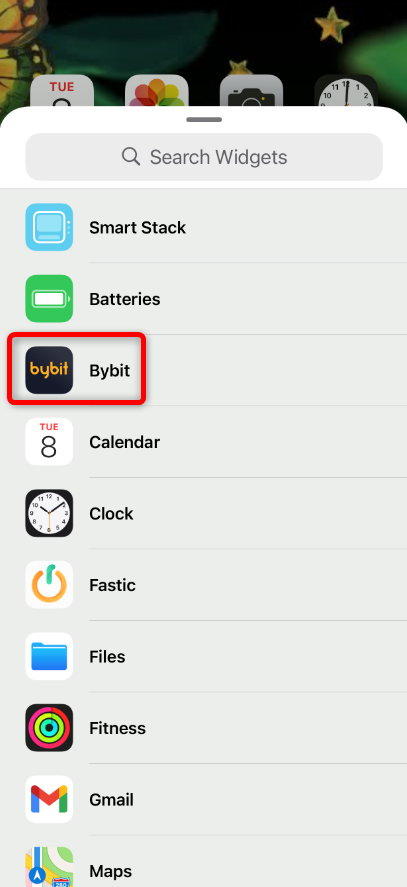
Step 4: Tap on the Bybit Georgia app, then swipe left/right to choose the size of the widget you want to add.
Step 5: Tap on the Add Widget button at the bottom.
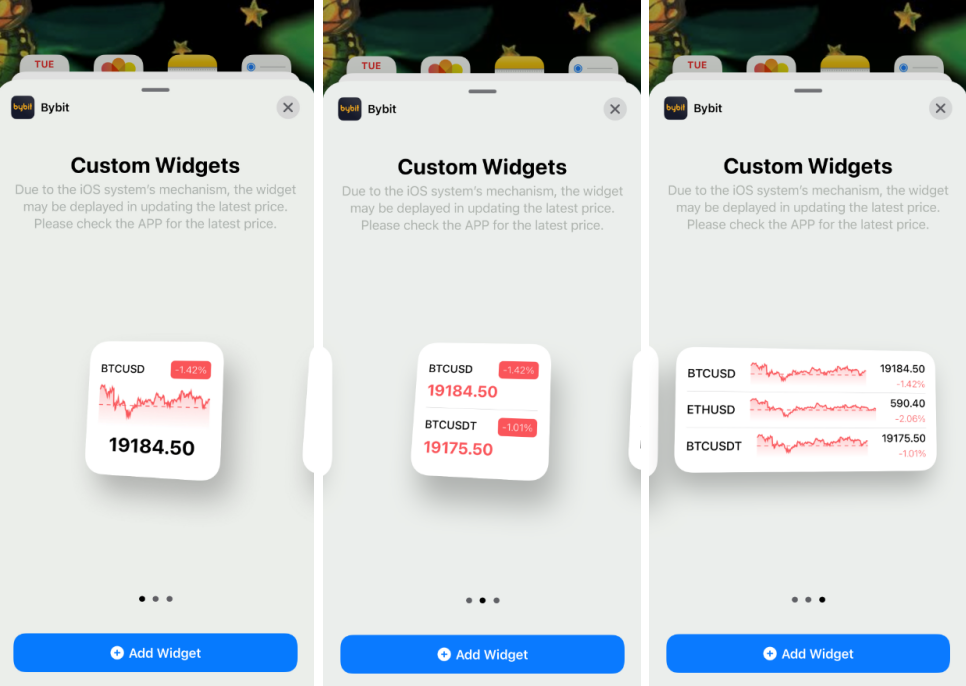
Step 6: Once the widget flies onto your home screen, tap and hold on the widget to move it to where you want.
Step 7: Tap Done when you’re done adding the widget.
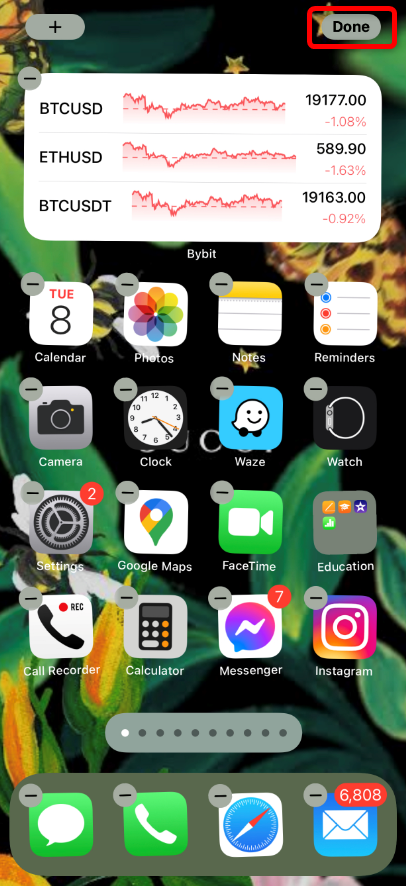
How to Customize your Bybit Georgia Widget
With iOS
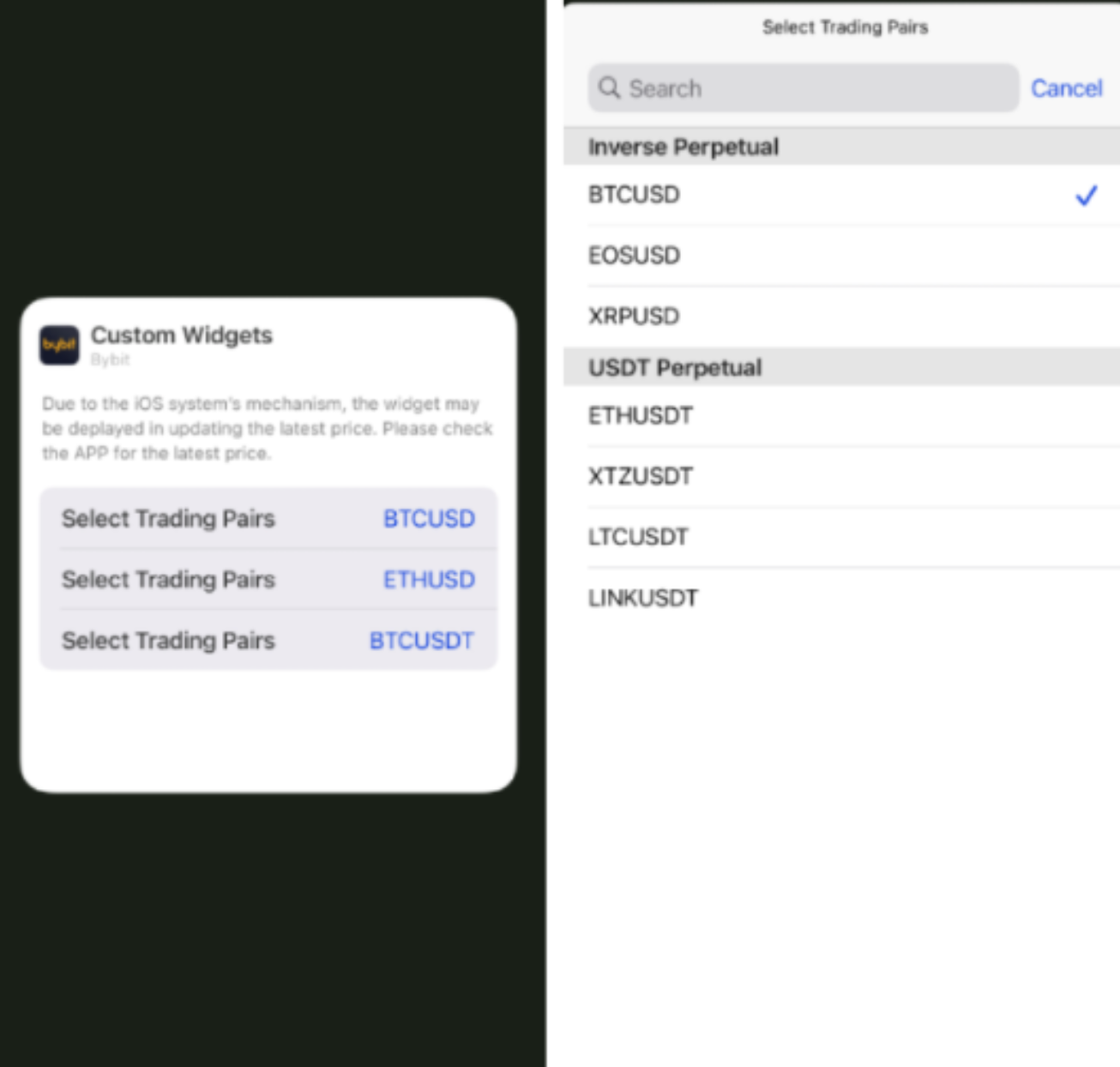
Step 1: Long press the Bybit Georgia widget and click on Edit Widget.
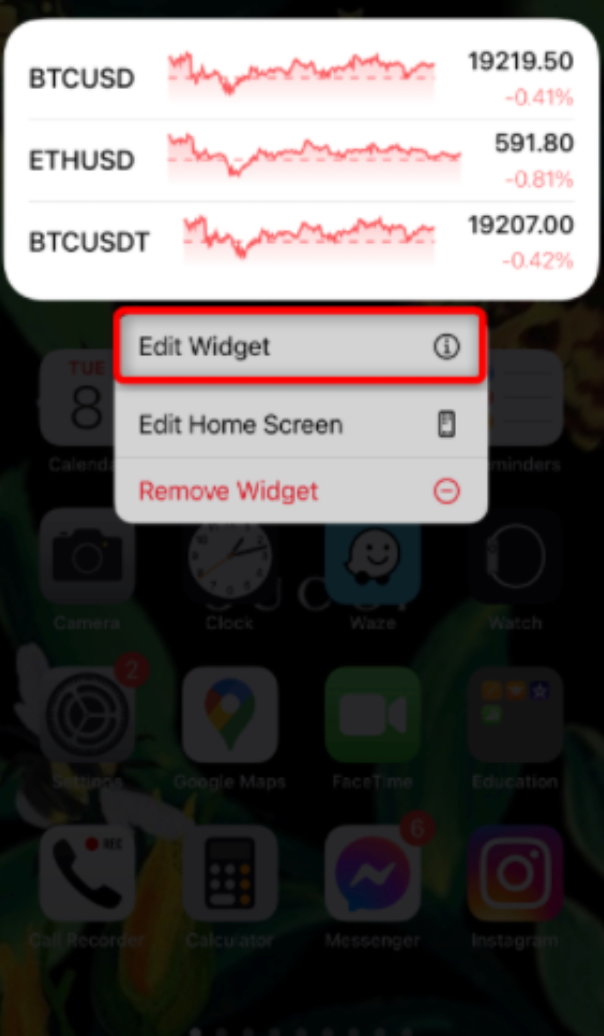
Step 2: You may click on the trading pair that you want to replace and choose the trading pair that you want to be shown on your widget.